Sharing and teams
Show your map to someone else, or work on it together with a team.
Sharing a map
Sometimes you just want someone else to see the plan, without giving them the ability to change it. You can share a project either with specific people by email, or with anyone who has the link. Both options are read-only and can be turned off at any time. A link share can also be set to expire on its own.
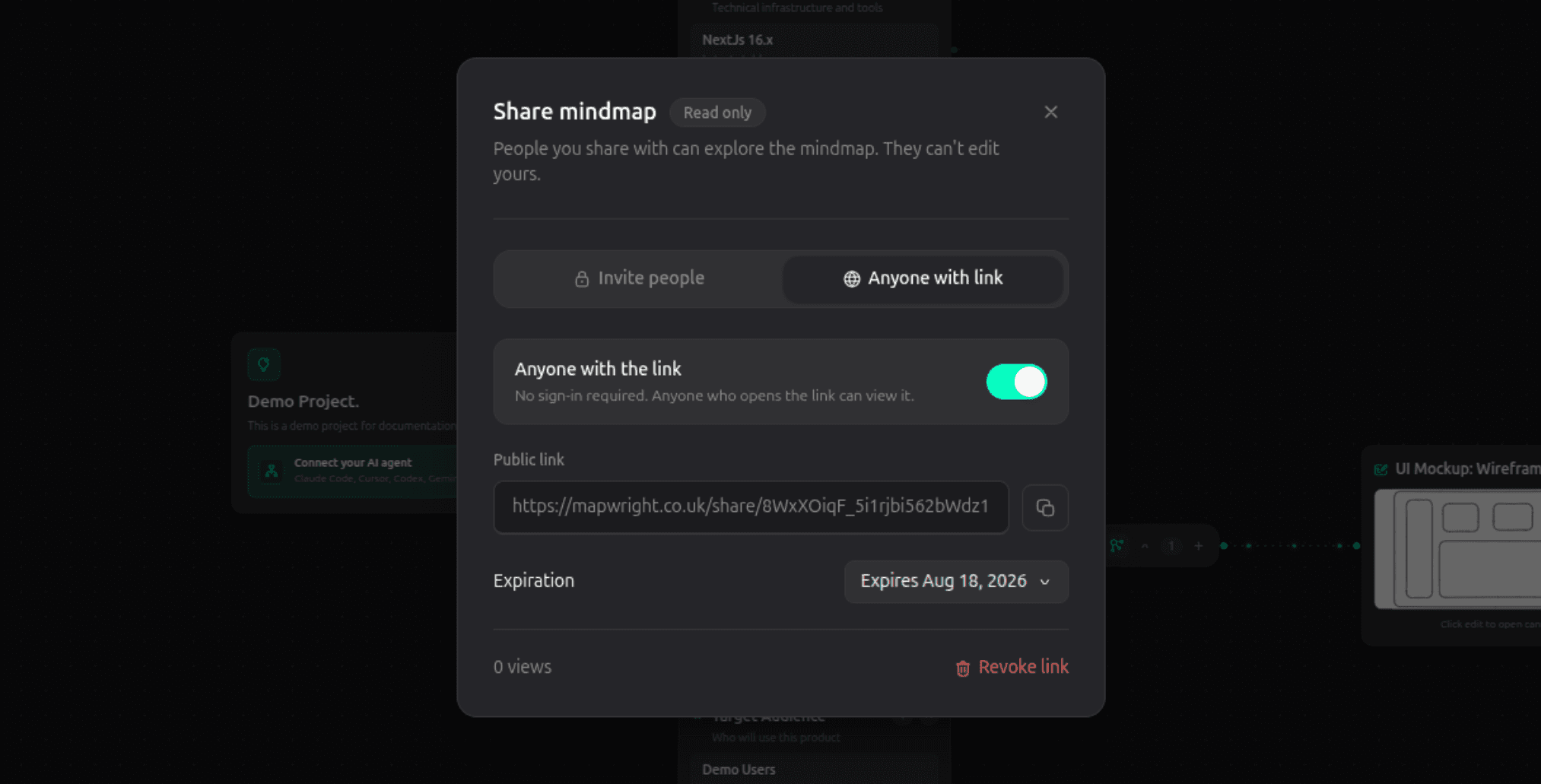
Whoever you share with always sees the current map, not a snapshot from whenever you shared it. If you keep working on the plan afterward, they'll see those changes too.
Working with a team
If you're planning with other people rather than on your own, you can create an organization. An organization is a shared workspace: projects that belong to it are visible to everyone in it, instead of only to you.
You can invite people by email and give them a role:
- Member can view and create projects.
- Admin can also manage who's in the organization and how they're grouped into teams.
- Owner has full control, including the ability to delete the organization itself.
Anyone in the organization gets the same full, collaborative access to its projects, whichever role they have. Roles control who can manage the organization, not who can use the map.