Mapwright maps your app into features and turns any of them into a one-click, build-ready spec, so Claude Code, Cursor, and friends build from a real plan instead of guessing.
Works with the tools you already use
Why Mapwright
Every new agent chat starts from zero: you re-explain the app, it guesses the data model and guesses wrong, and “add a settings page” costs three rounds of back-and-forth. Mapwright keeps the plan outside the chat: a living map, specs generated from it, and an ordered backlog your agent reads and writes directly.
Every new chat
In Mapwright: ordered by build order
#1 Song Search & Import
Let users find or supply a song so Strumlet can generate a chord chart.
#2 Chord Diagram Renderer
Render the chart in sync with the song's playback position.
#1 Connect AI Agent
Wired up Claude Code to read and write the map directly.
Try dragging the cards between columns
Four steps
From a rough thought to an agent building against a real plan. Here's the whole path.
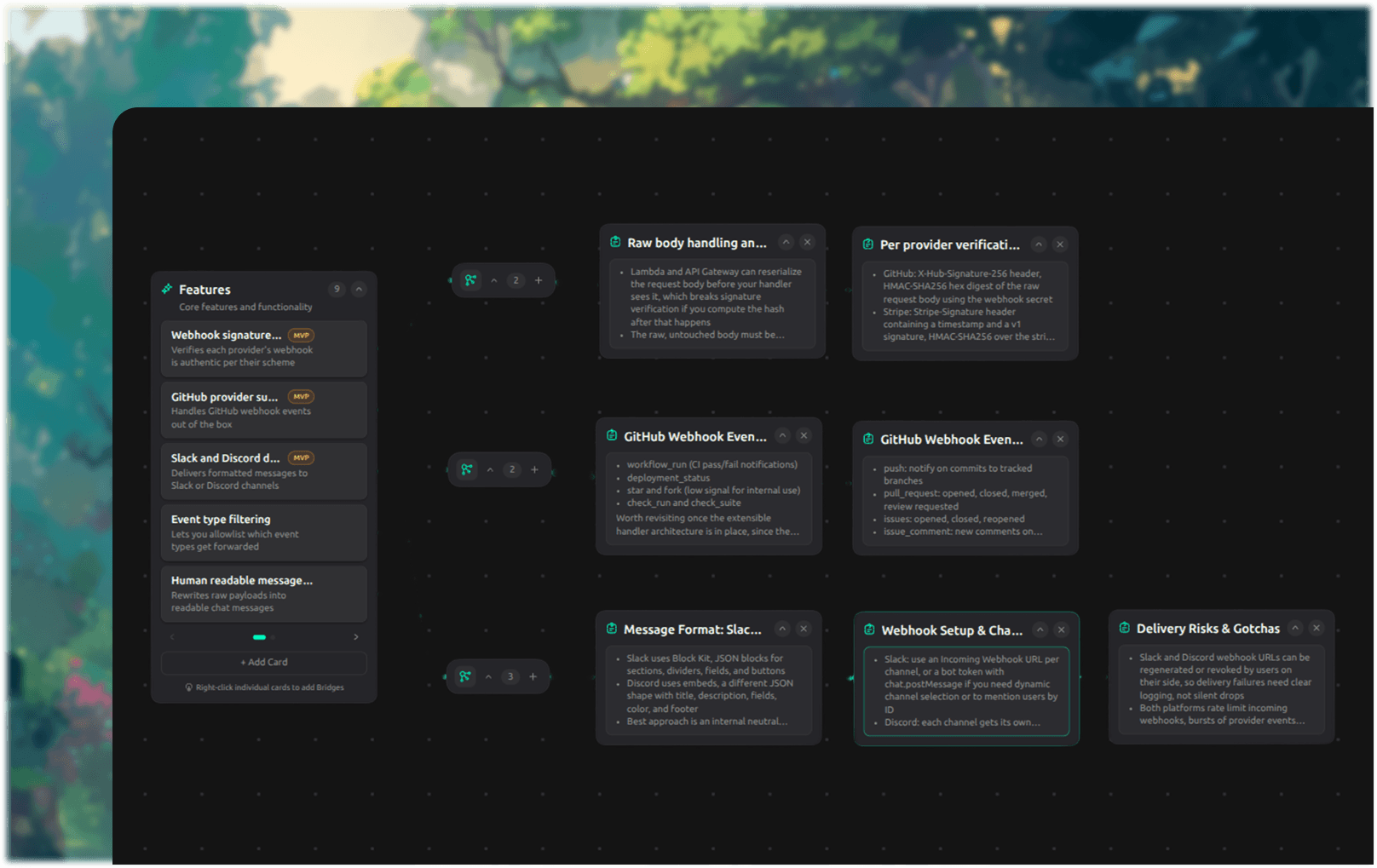
Lay the whole thing out before a line of code exists. You do the thinking, the agent does the typing.


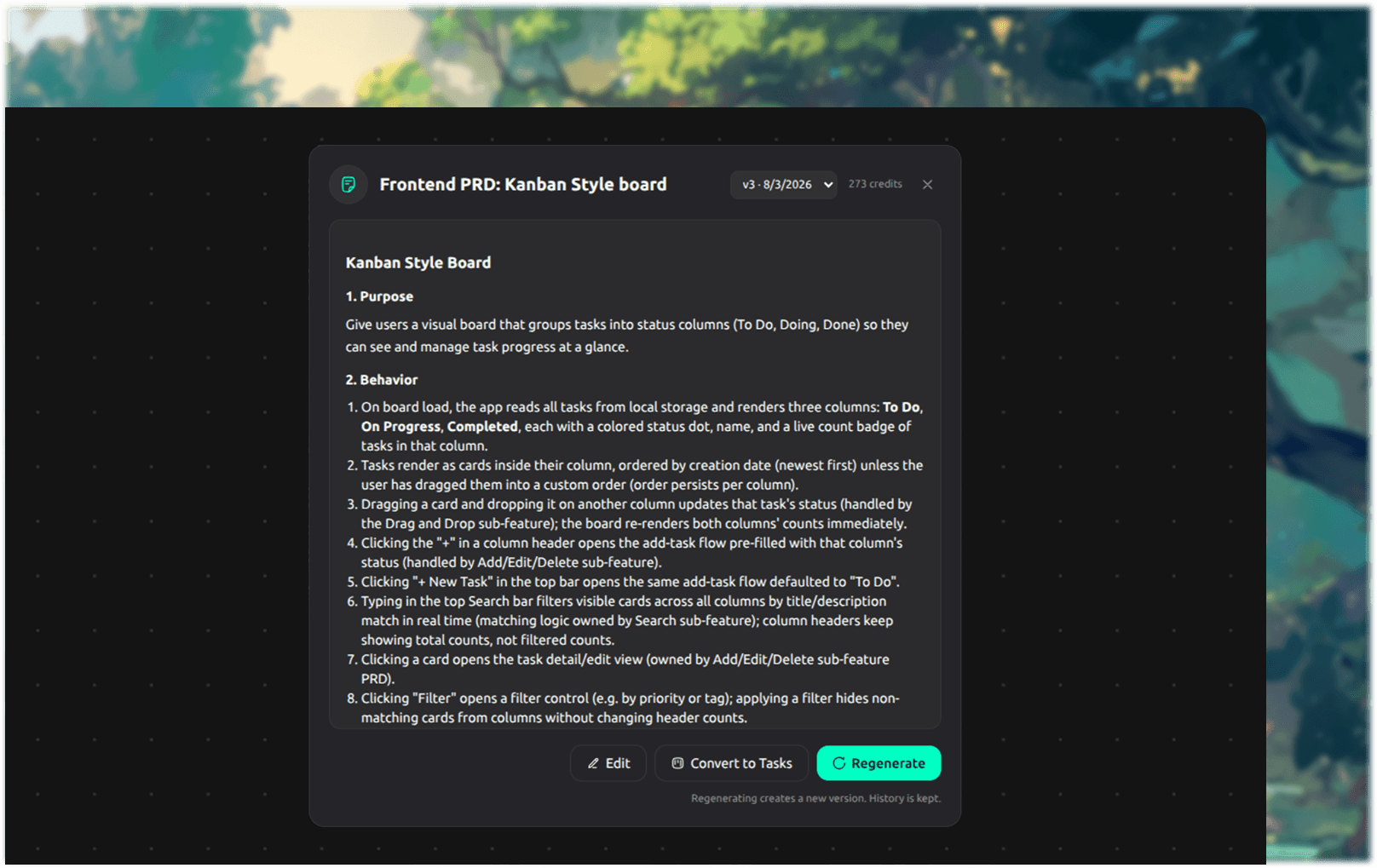
Choose a feature on the map and Mapwright writes the spec from it, using the context you already captured.
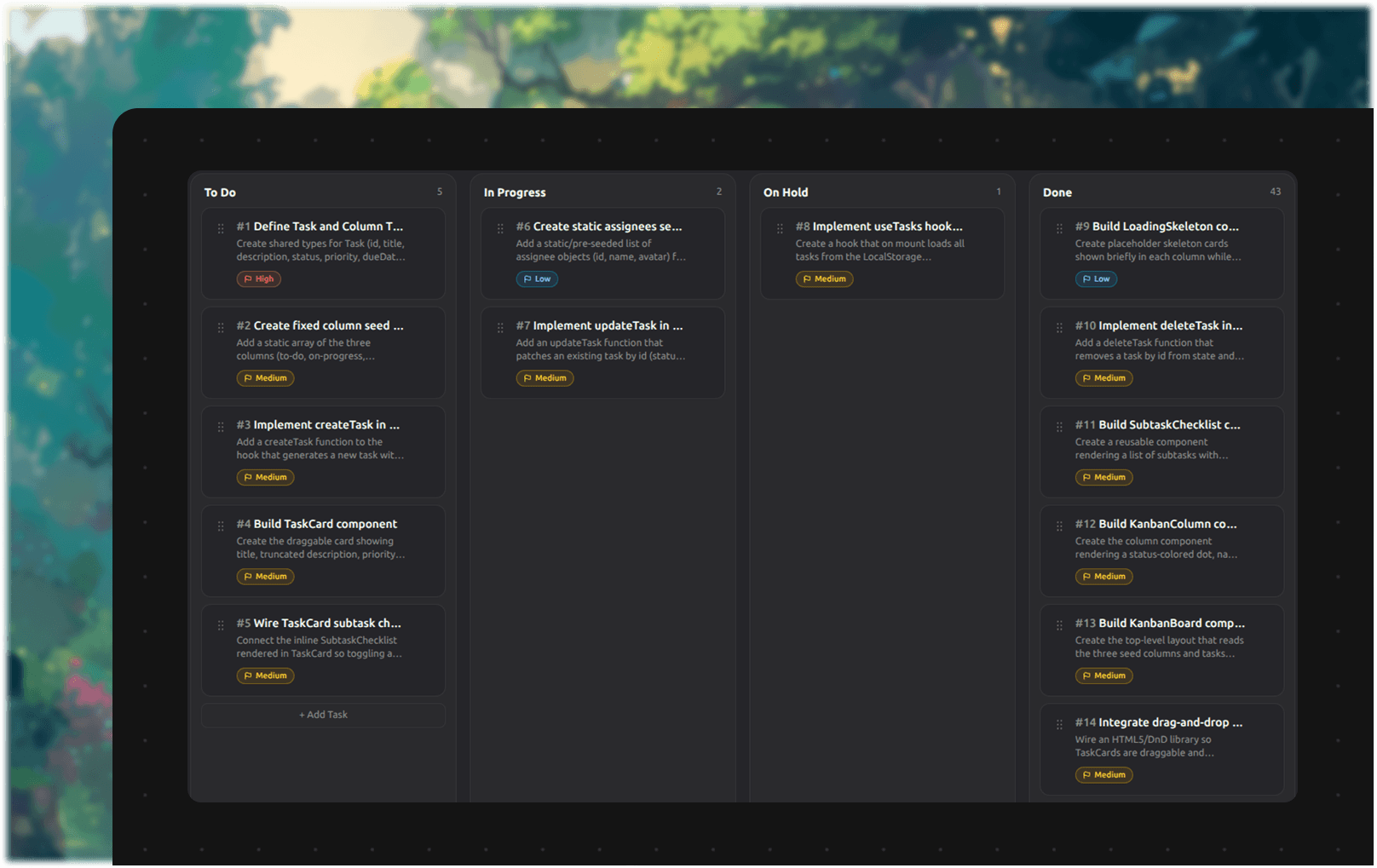
Turn a finished PRD into numbered work. Nothing gets picked up before the thing it depends on.


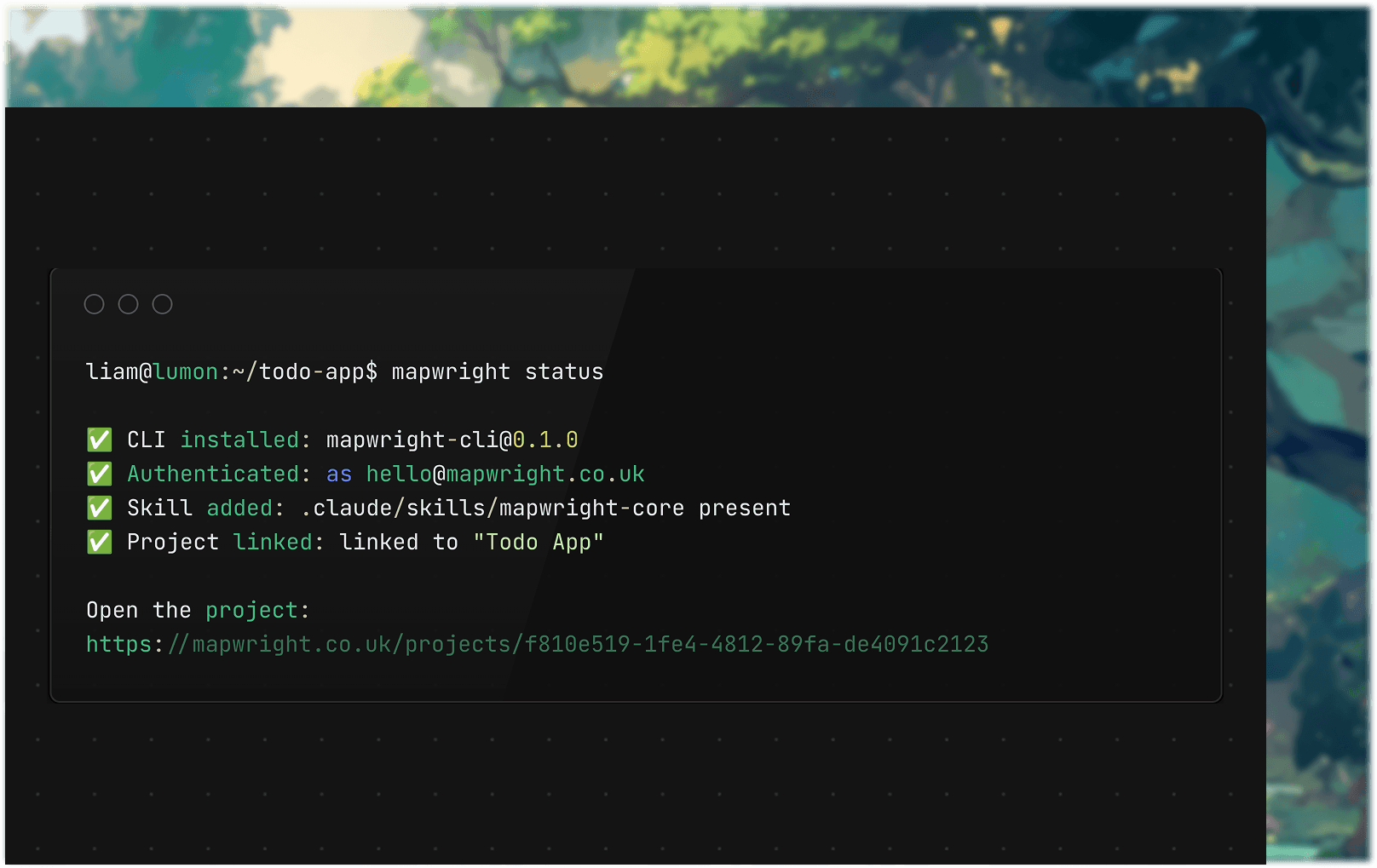
Point the CLI at your project once. From then on the agent works from the map, the specs and the backlog.
Pricing
Two plans, one trial. Start free for 3 days, cancel anytime before it ends and you won't be charged.
Maker
For builders shipping their first real idea.
Anytime cancellation
Studio
For teams building together.
Everything in Maker, plus
Anytime cancellation
A credit is what your AI agent spends when it works for you: generating a spec, chatting through your plan, or importing a repo uses a few. Adding cards, dragging the map, and writing notes by hand is always free.
Can't find what you're looking for? Reach us at hello@mapwright.co.uk.
A credit is what your AI agent spends when it works for you: generating a spec, chatting through your plan, or importing a repo all use a few. Manually editing your map, dragging cards around and writing notes is always free.
Both plans include a 3 day free trial instead. You won't be charged if you cancel before the trial ends, and you can cancel anytime from your account's billing settings.
Yes. Head to your account's billing settings and manage or cancel your subscription directly, no emailing support required.
Claude Code, Cursor, Codex and Gemini CLI today, connected through our own CLI and Skills rather than an MCP server. Any agent that can read a SKILL.md file and shell out to a command can use it.
No. Building your map happens entirely in the browser. The CLI is only needed once you want your agent to actually read from or write to your plan.
Maker is built for one person: unlimited projects and 10,000 credits a month. Studio adds Organizations, so you can invite up to 5 teammates into a shared workspace, with 10,000 credits per seat.
Every project is scoped to your account with Row Level Security enforced at the database level, not just in the app's code, so even a bug in our own code can't return someone else's data.
Turn your idea into a map your AI agent can build from, free for 3 days.
Start building today