The guided conversation
Describe your idea in your own words, and let Mapwright turn it into a map.
Talk it out instead of typing cards one by one
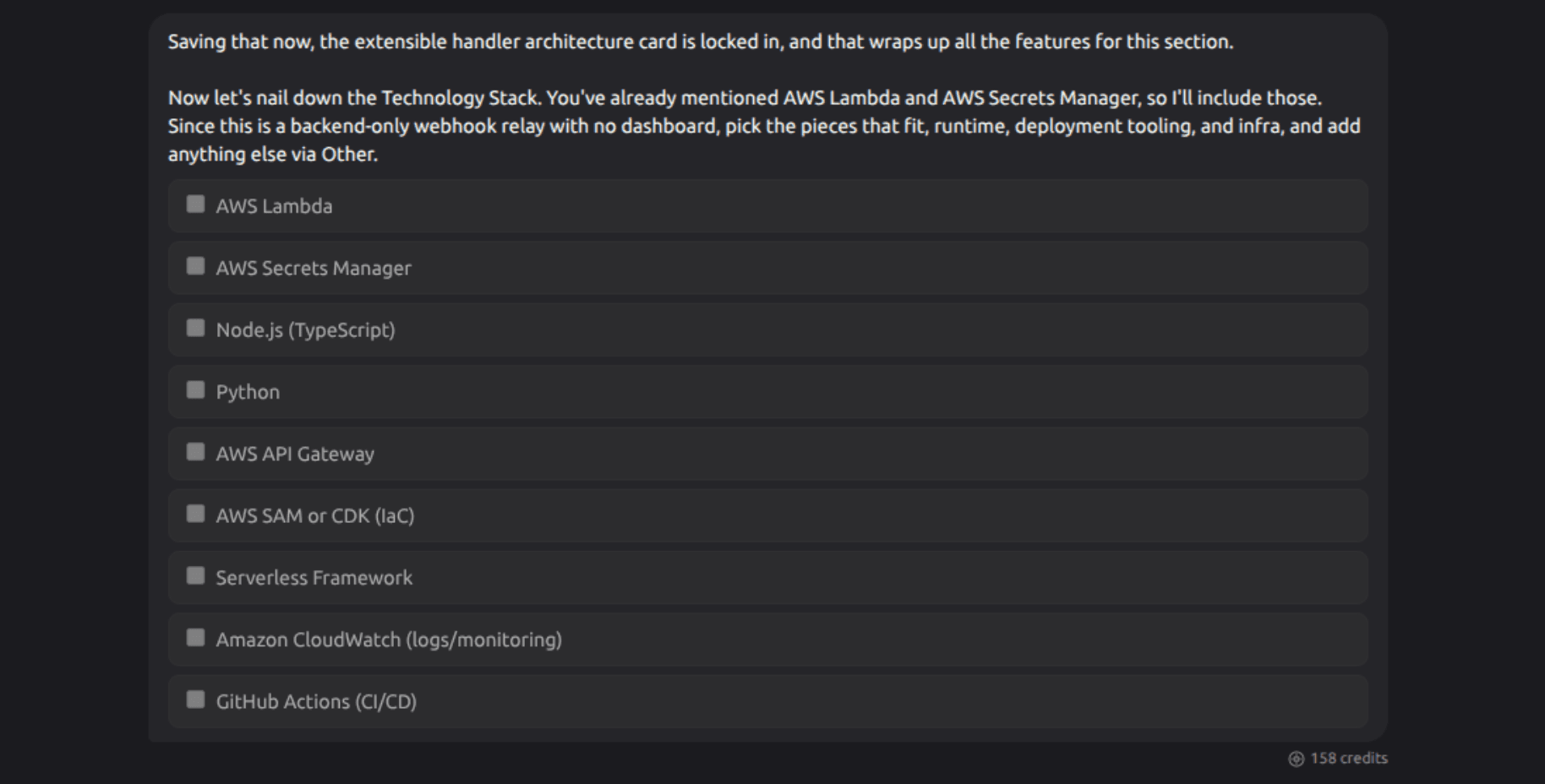
If you're starting a brand new project, you don't have to fill in the map yourself. Open the chat panel and just describe what you're building. A guided conversation walks you through it step by step: the overall idea, what it should achieve, its main features, the technology behind it, who else is doing something similar, and who it's for.
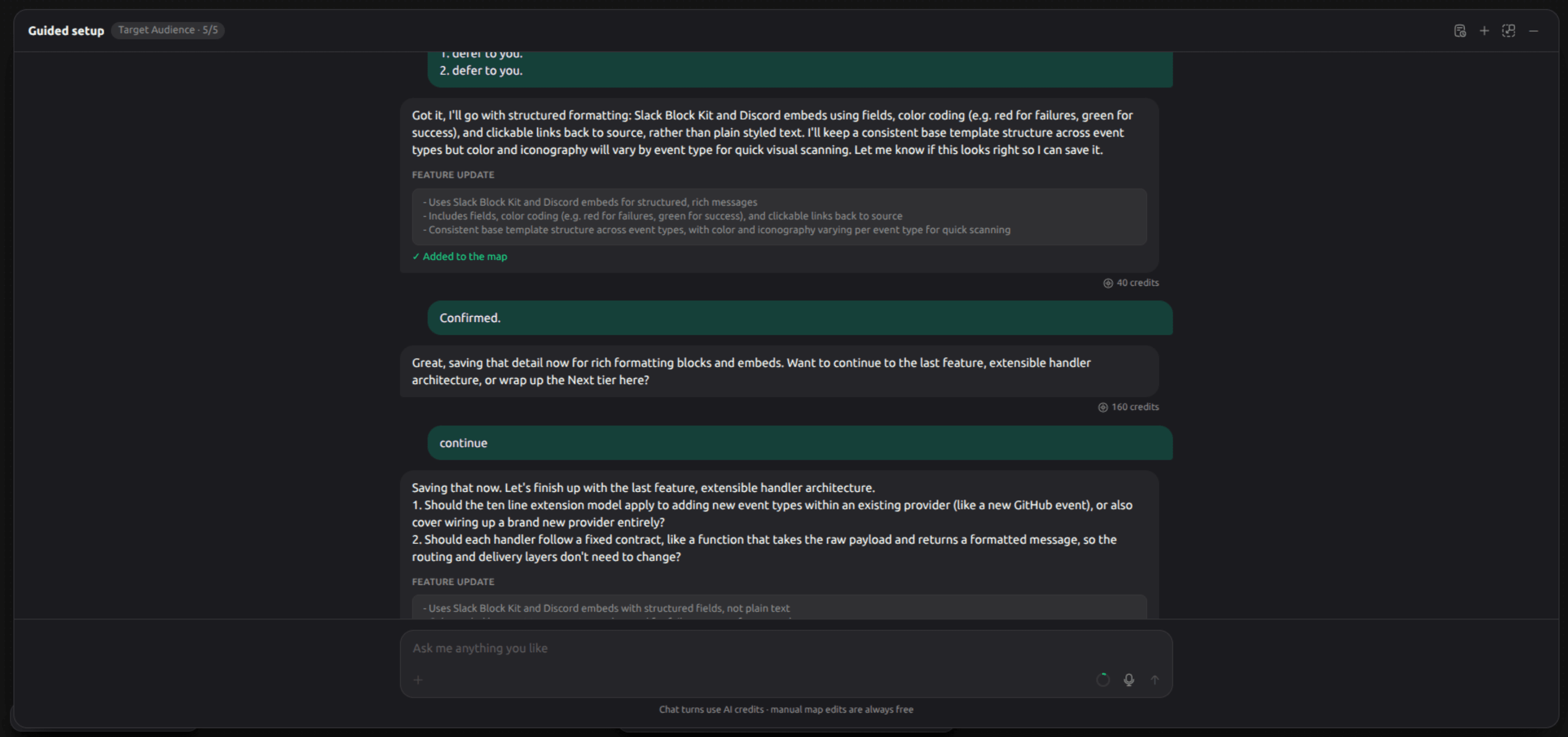
Nothing is added to your map without you seeing it first. At each step, the assistant proposes a set of cards based on what you've said, and you confirm, adjust, or skip them before anything is actually written. You're always in control of what ends up on the map.
It's not one-and-done
You can come back to this conversation any time, and it remembers what's already on your map, so it won't propose the same thing twice. If your idea changes halfway through, just say so. The conversation adapts rather than starting over.
Side conversations
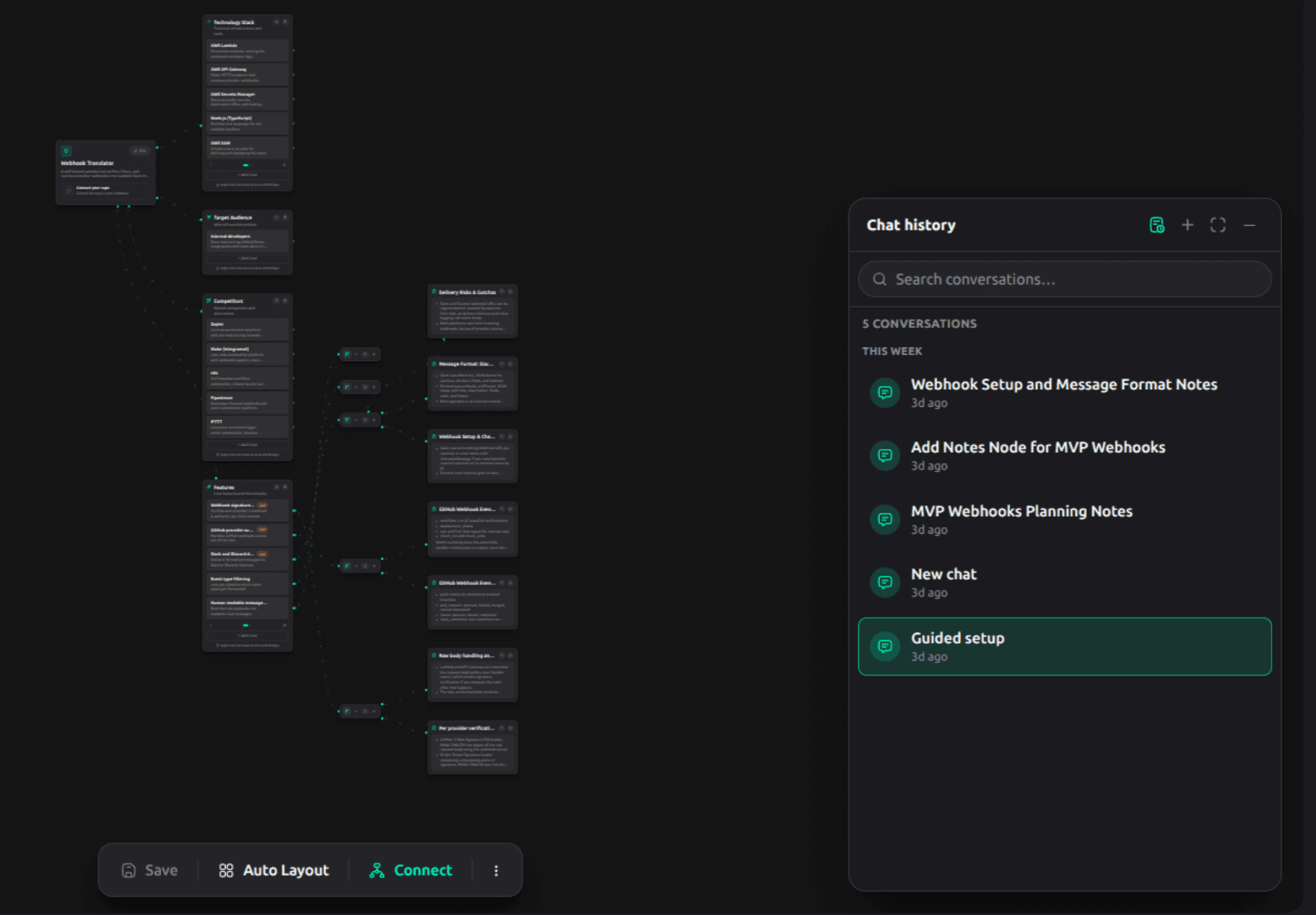
The guided conversation is your project's main thread, but you're not limited to it. You can start any number of separate chats alongside it, for a specific feature you want to think through, a question about deployment, or anything else that doesn't belong in the main flow. Each one gets an automatic title based on what you talked about, so your chat history stays easy to scan.
What it costs
Every message you send to the assistant has a small cost, shown right in the chat, so there's never a surprise. Adding or editing cards yourself, by hand, is always free.