Turning ideas into specs
What a PRD is, why it matters, and how it becomes a task list your AI assistant can work through.
What a PRD is
PRD stands for Product Requirements Document. It's just a plain name for a detailed, written spec of a feature: what it does, how it should look, what it connects to, and what it needs to work. Where a card on your map might say "User accounts" in a single line, a PRD spells out everything an AI assistant needs to actually build that feature correctly, on the first try, instead of guessing.
Why it's worth generating one
Without a spec, an AI assistant is working from a short description and whatever it can guess. That usually means it builds something close to what you wanted, but not quite, and you spend time correcting it afterward. A PRD gives it the real picture up front: the feature itself, any sub-features nested under it, notes you've written, images you've attached, and the tech stack you've chosen. The result is work that's closer to right the first time.
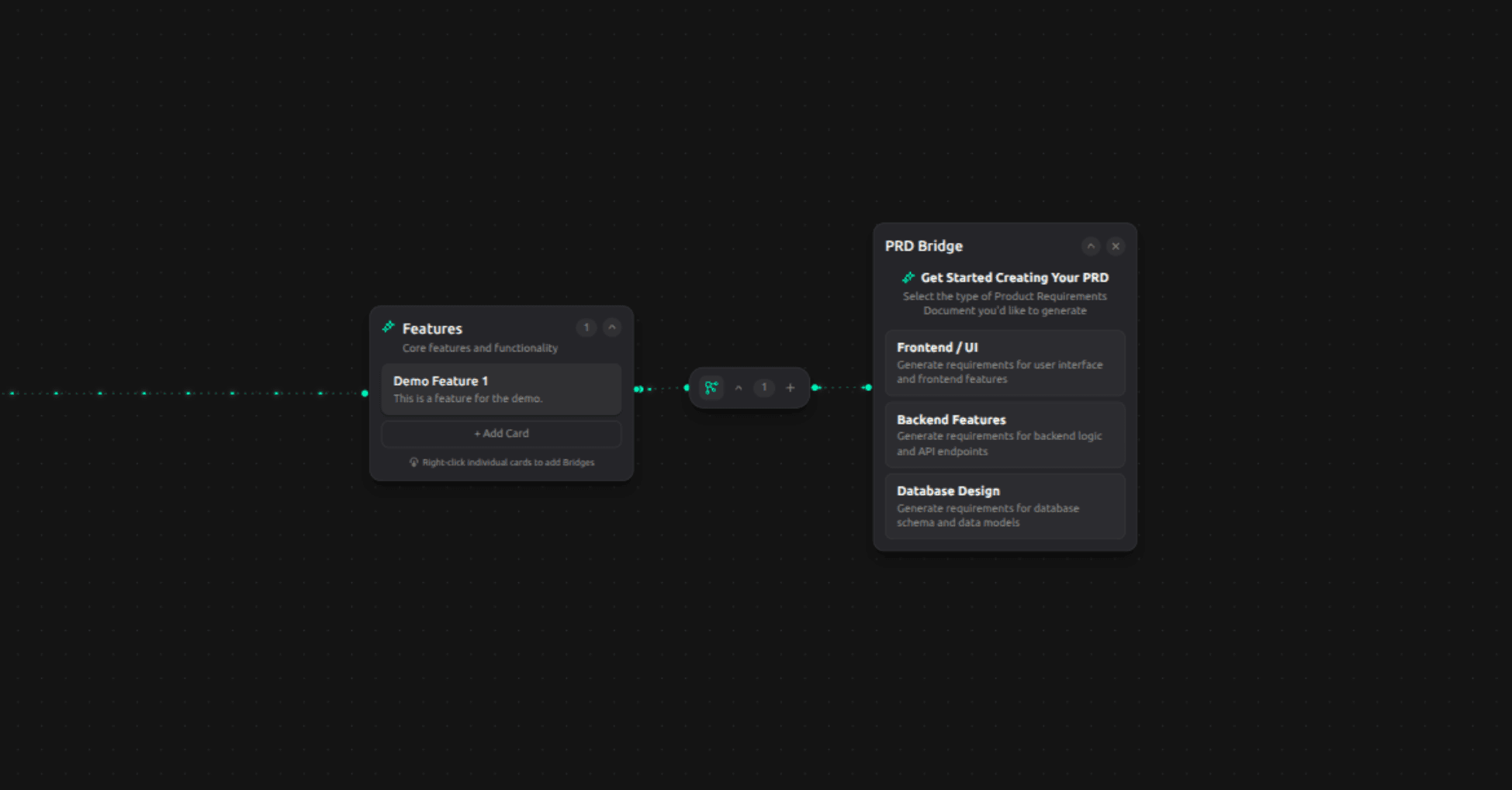
You can generate three kinds of PRD for any feature: one for how it should look and behave (Frontend), one for how it should work behind the scenes (Backend), and one for how its data should be structured (Database). Generate whichever ones are relevant, from the feature's card menu.
Specs change, and that's fine
You can always open a generated spec and edit it by hand. Regenerating a spec keeps the earlier version too, so you can see what changed and never lose a version you liked.
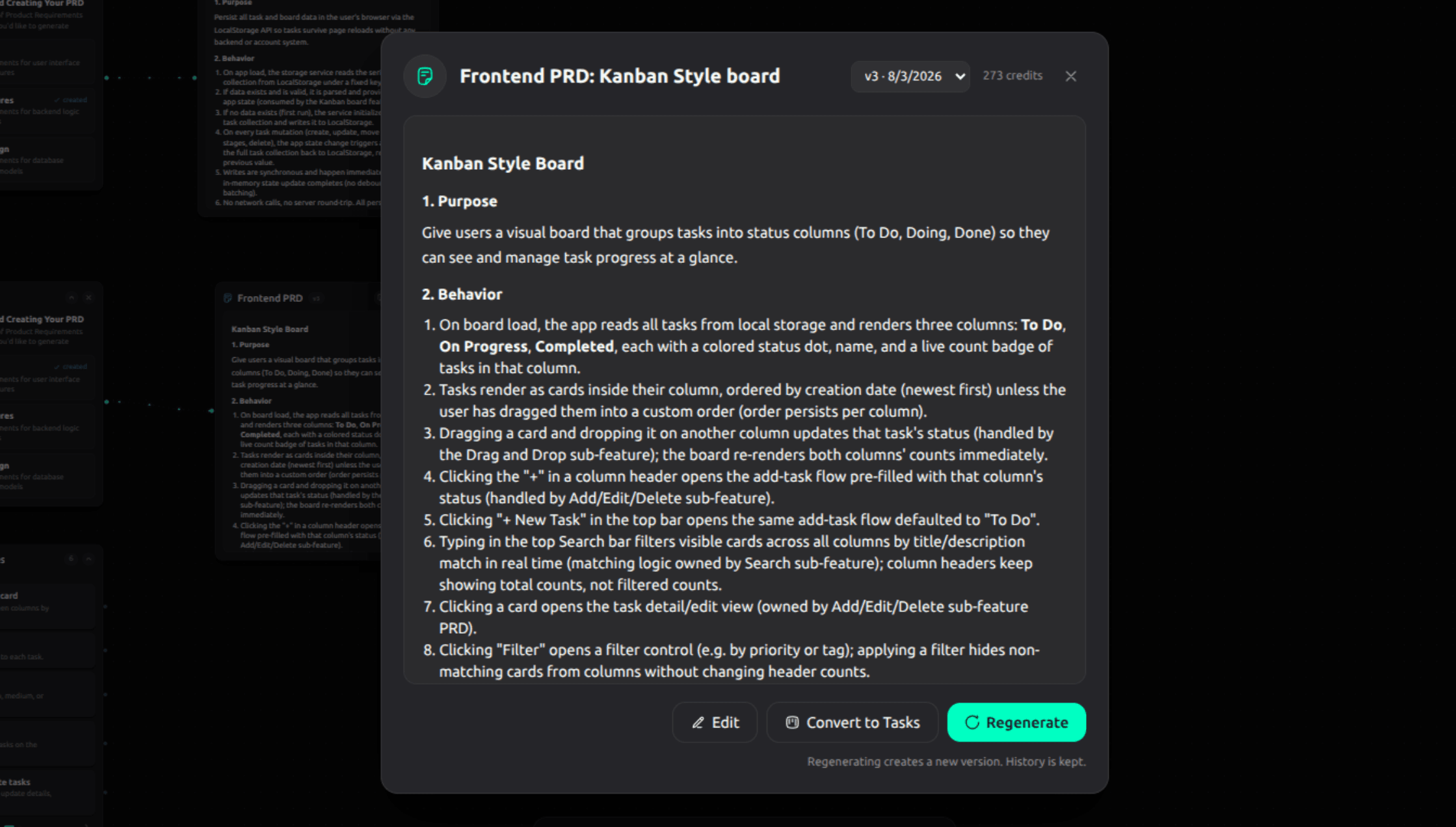
From spec to task list
Once you're happy with a spec, one click turns it into an ordered list of build steps on a Kanban board, the kind of To Do, In Progress, Done board you may already be familiar with from other project tools. If you update the spec later, Mapwright doesn't throw out the existing task list and start over. It looks at what actually changed and proposes updates only where they're needed, so you never lose track of work already done.
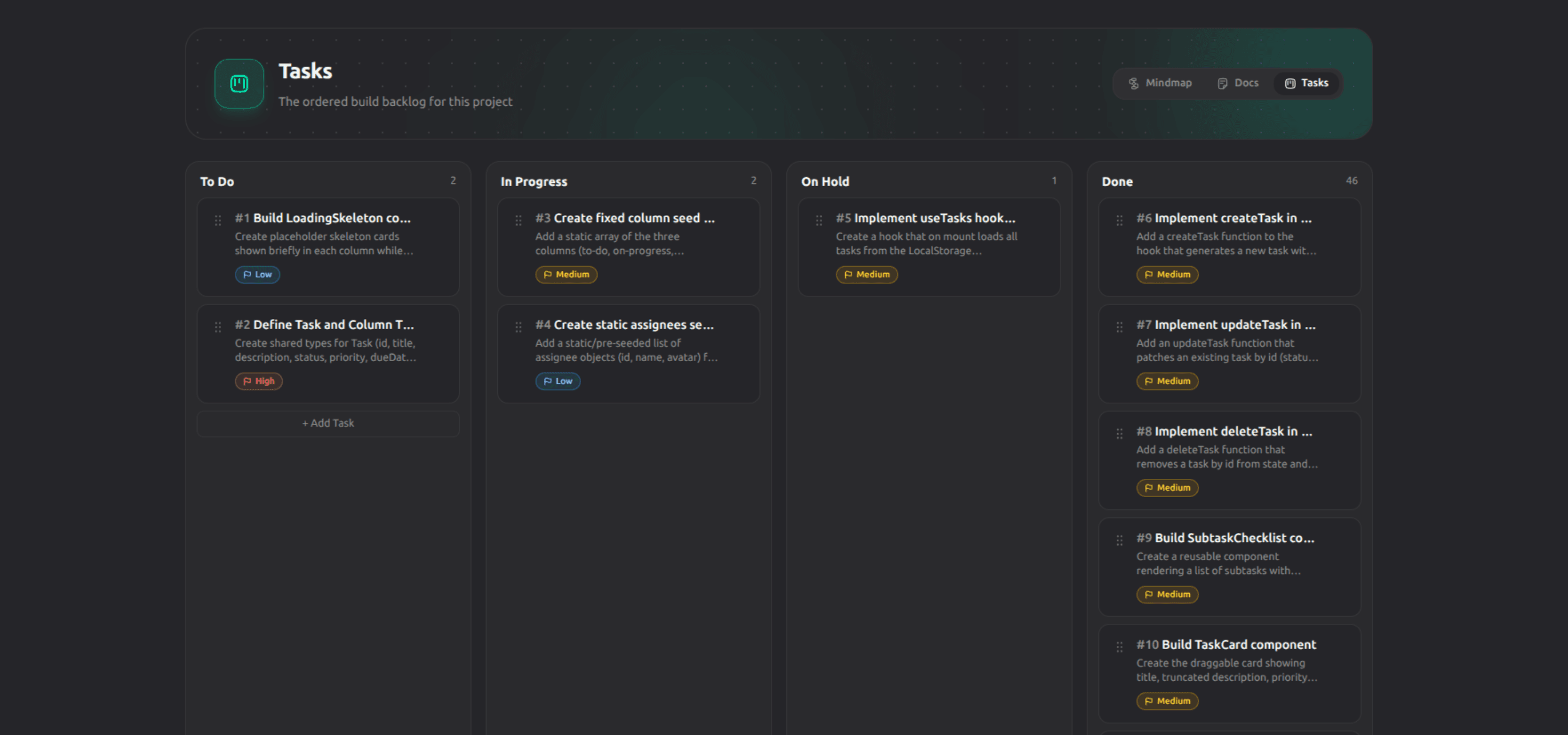
Your AI assistant can read this task list directly and pick up the next item on it. More on that in connecting an agent.